Careers
Set a career goal, see what it pays, and see how your plan gets you there.
What does the Careers page show?
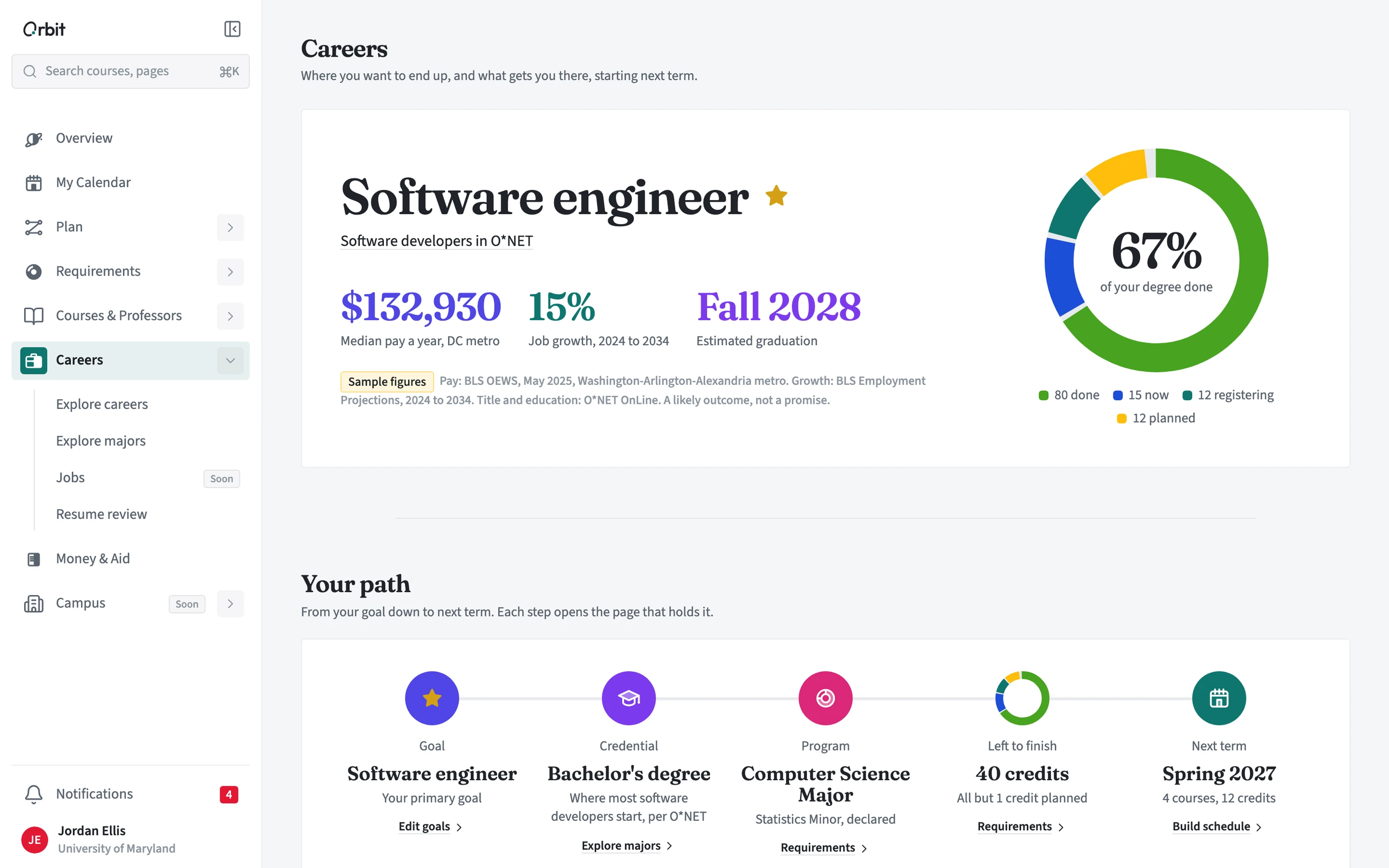
Your primary career goal with its pay near your school and its job growth, then your path from that goal down to next term: the credential it usually needs, your program, what is left, and next term's courses. Every figure names its source and date.
What else is under Careers?
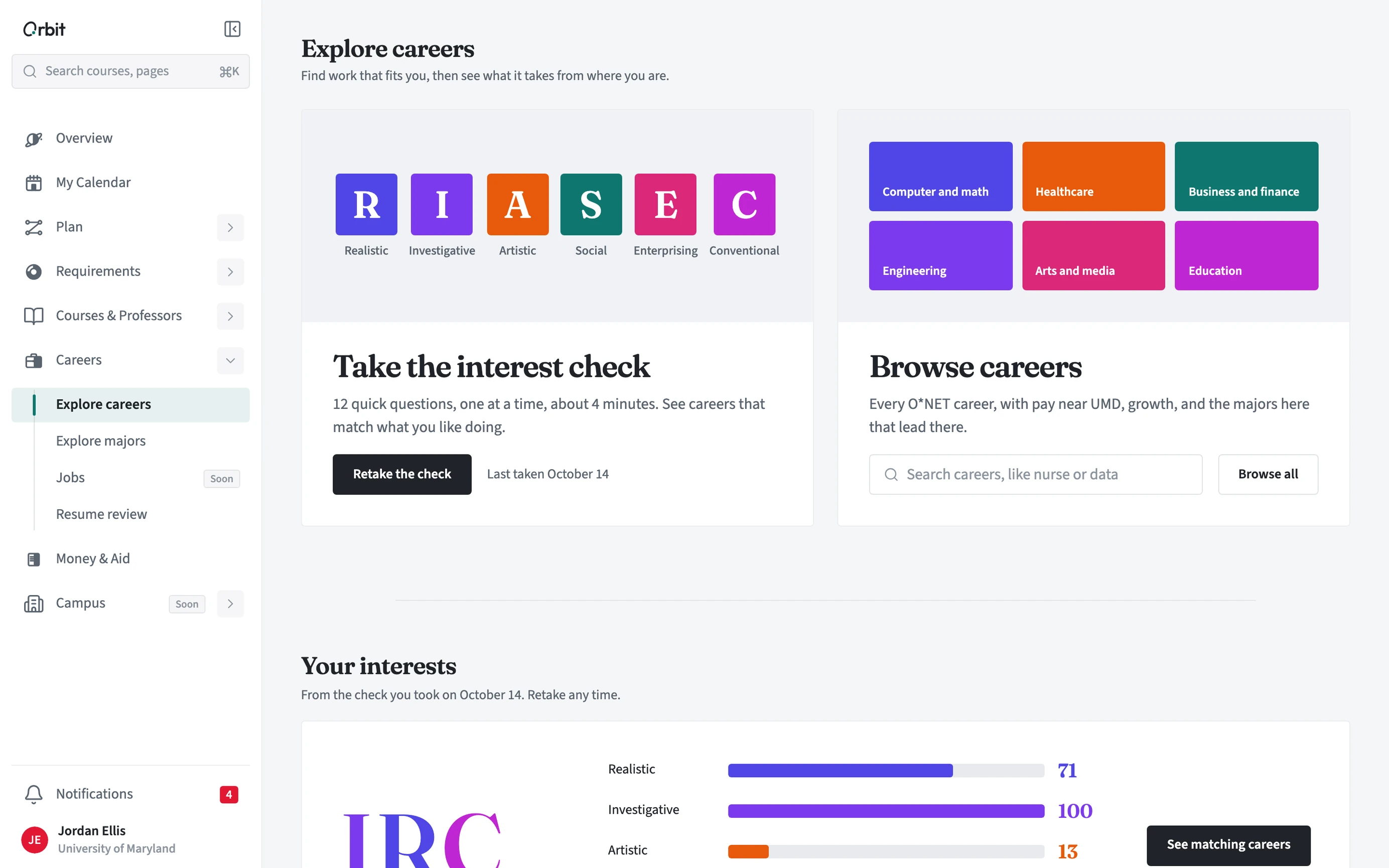
Explore careers has a short interest check and lets you browse careers and save goals. Explore majors compares programs by how close they are to your credits and what they would add in cost. Resume review gives feedback on a resume you upload. Jobs is coming soon.
- Open Careers, then Explore careers.
- Take the interest check (12 questions, about 4 minutes), or browse careers.
- Save a career and mark it as your primary goal with the star.
- Open Explore majors to try another program in a what-if.
Who sees my resume?
Only you. Advisors never see your resume or its feedback. You can delete a review from Privacy and delete on the Resume review page.