Look up a professor
Find professors teaching your courses and see their courses, grades, and reviews.
How do I find a professor?
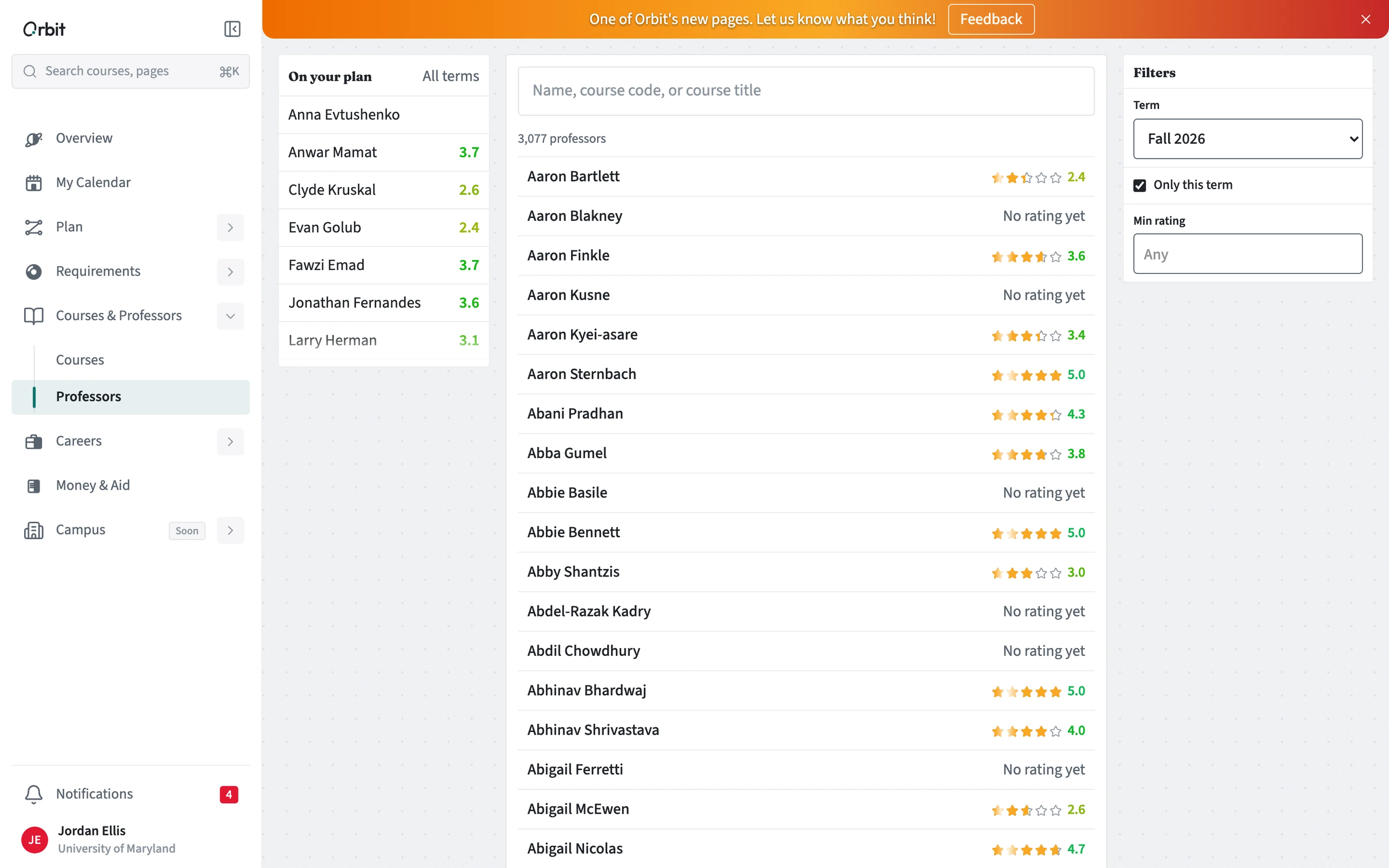
Open Courses & Professors, then Professors. The professors teaching courses on your plan are listed first. Search by name or filter by term.
- Open Courses & Professors, then Professors.
- Start with On your plan, or search by name.
- Use the Term filter to see who teaches this term.
- Open a professor to see the courses they teach, grade history, and reviews.
Where do ratings and grades come from?
Grade history comes from your school's public grade data where it is published. Ratings and reviews come from students (at UMD, through PlanetTerp). Orbit shows them as they are and does not rank professors.