Build a schedule
Search courses, pick sections on a weekly grid, and fix conflicts as you go.
Where do I build a schedule?
Open Schedules under Plan in the sidebar, or choose Edit schedule (or Build schedule) on a term in Plan. The builder opens on that term's schedule.
- Pick the term from the term menu at the top left.
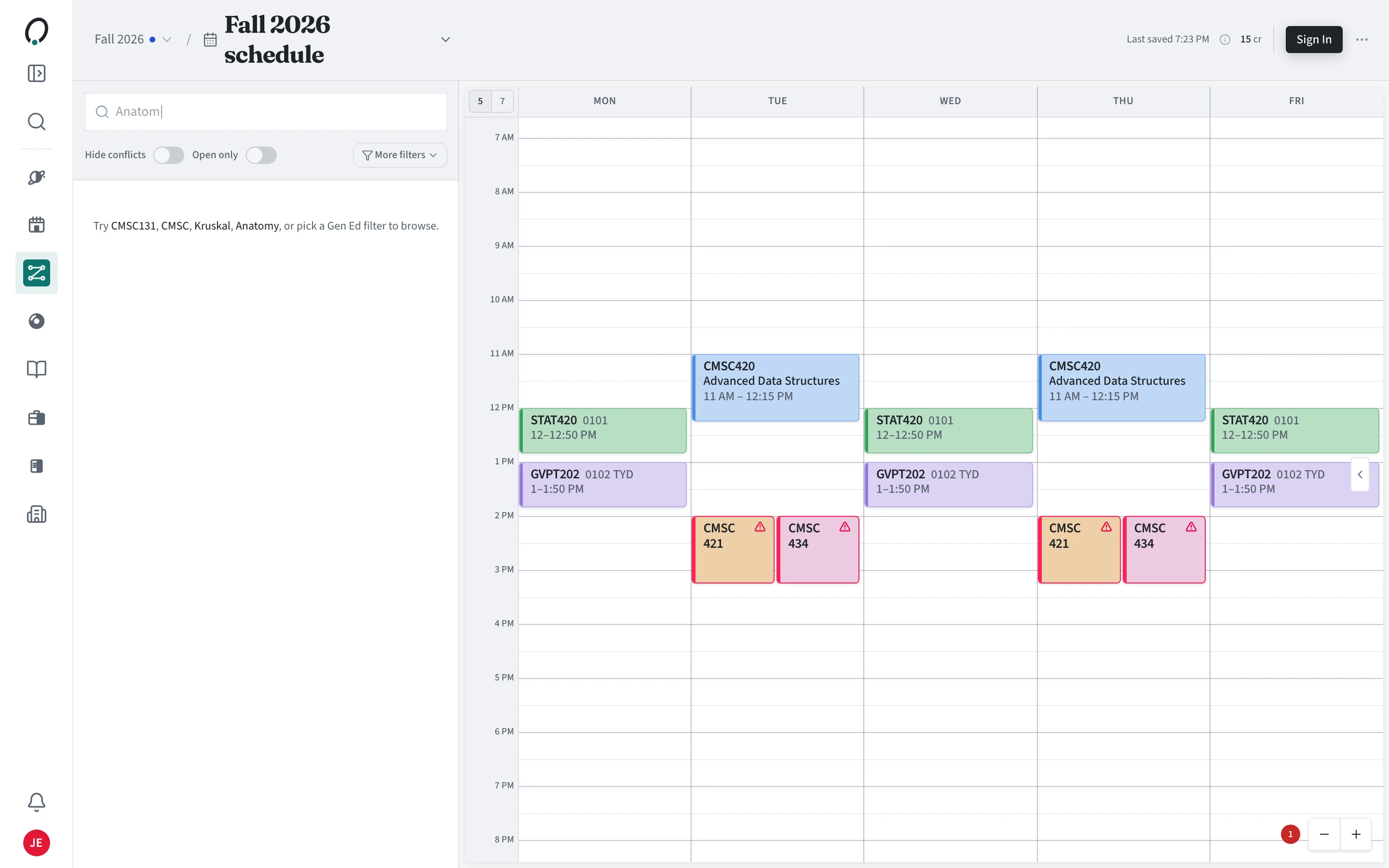
- Search by course code, title, or instructor.
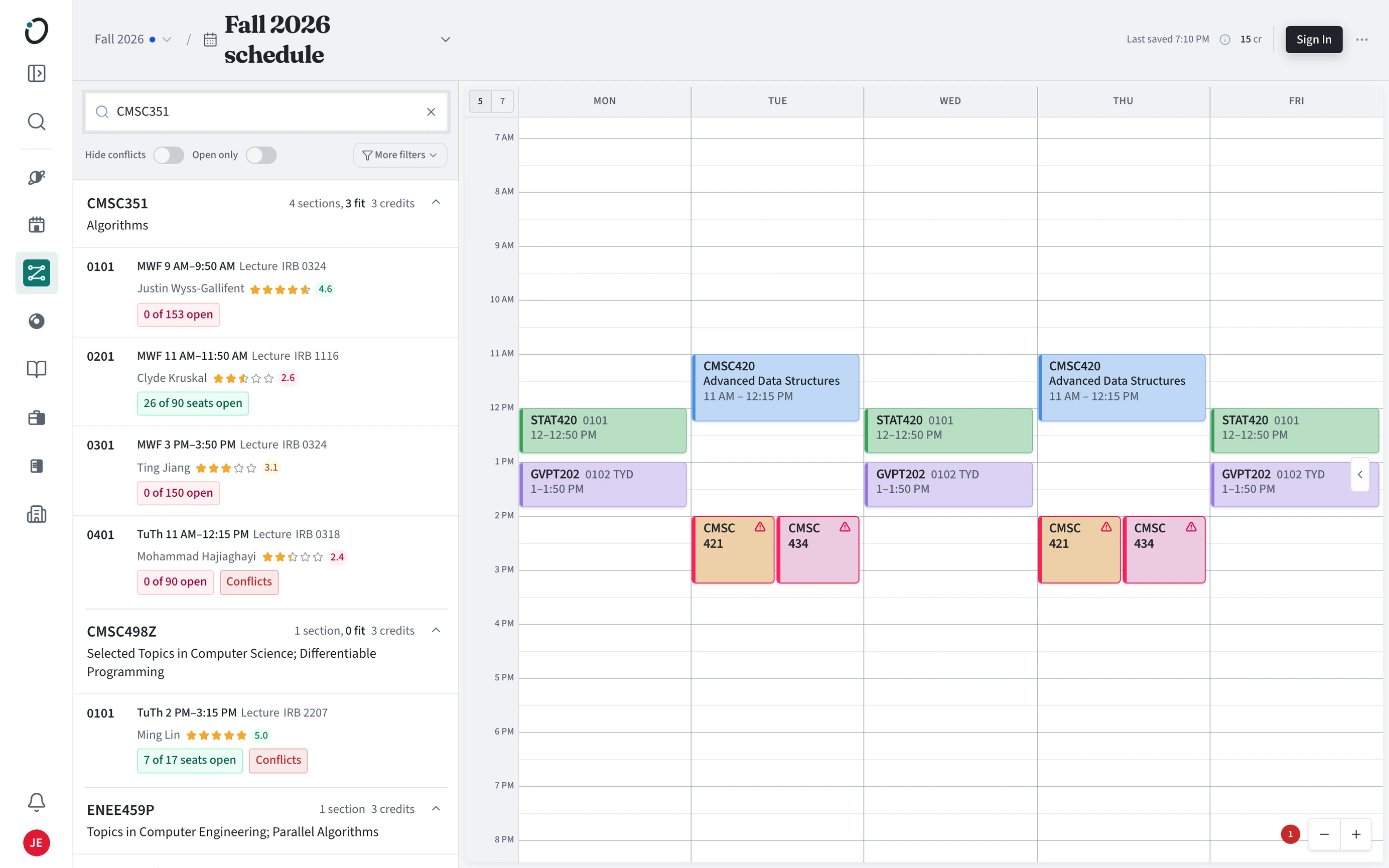
- Open a course and choose a section to put it on the grid.
- Watch for conflicts: overlapping sections are flagged on the grid and listed above it.
- Orbit saves as you go. The top bar shows when it last saved.
How do I narrow the search?
Use Hide conflicts to skip courses whose sections all clash with your week, Open only for sections with open seats, and More filters for days, times, general education, and more.
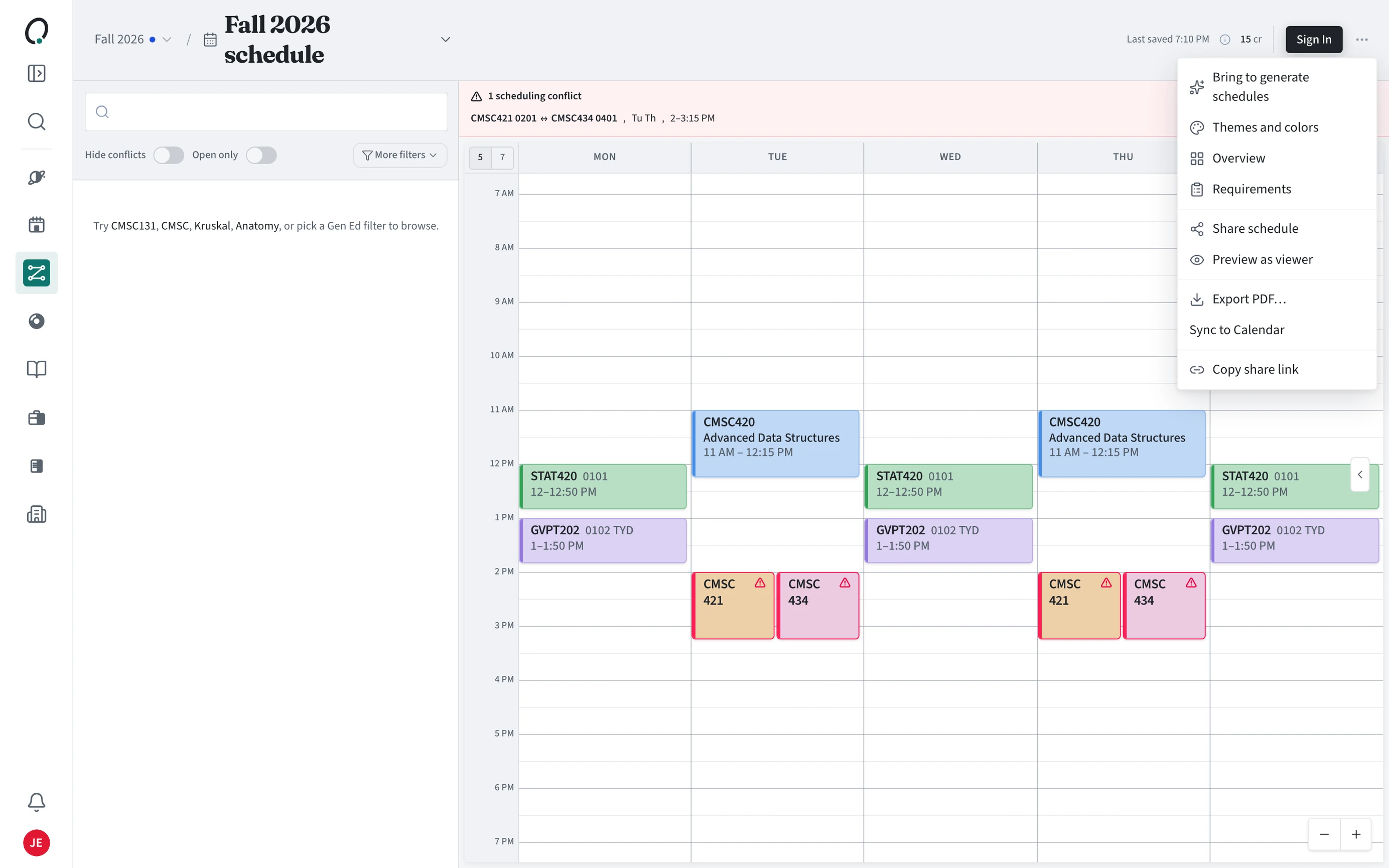
How do I share, export, or sync a schedule?
Open the menu at the top right of the builder. It has Share schedule, Copy share link, Export PDF, Sync to Calendar (Google Calendar, Outlook, or an .ics file), Themes and colors, and Bring to generate schedules.