Let Orbit suggest your plan
Fill the rest of your degree with a plan that respects prerequisites and your limits.
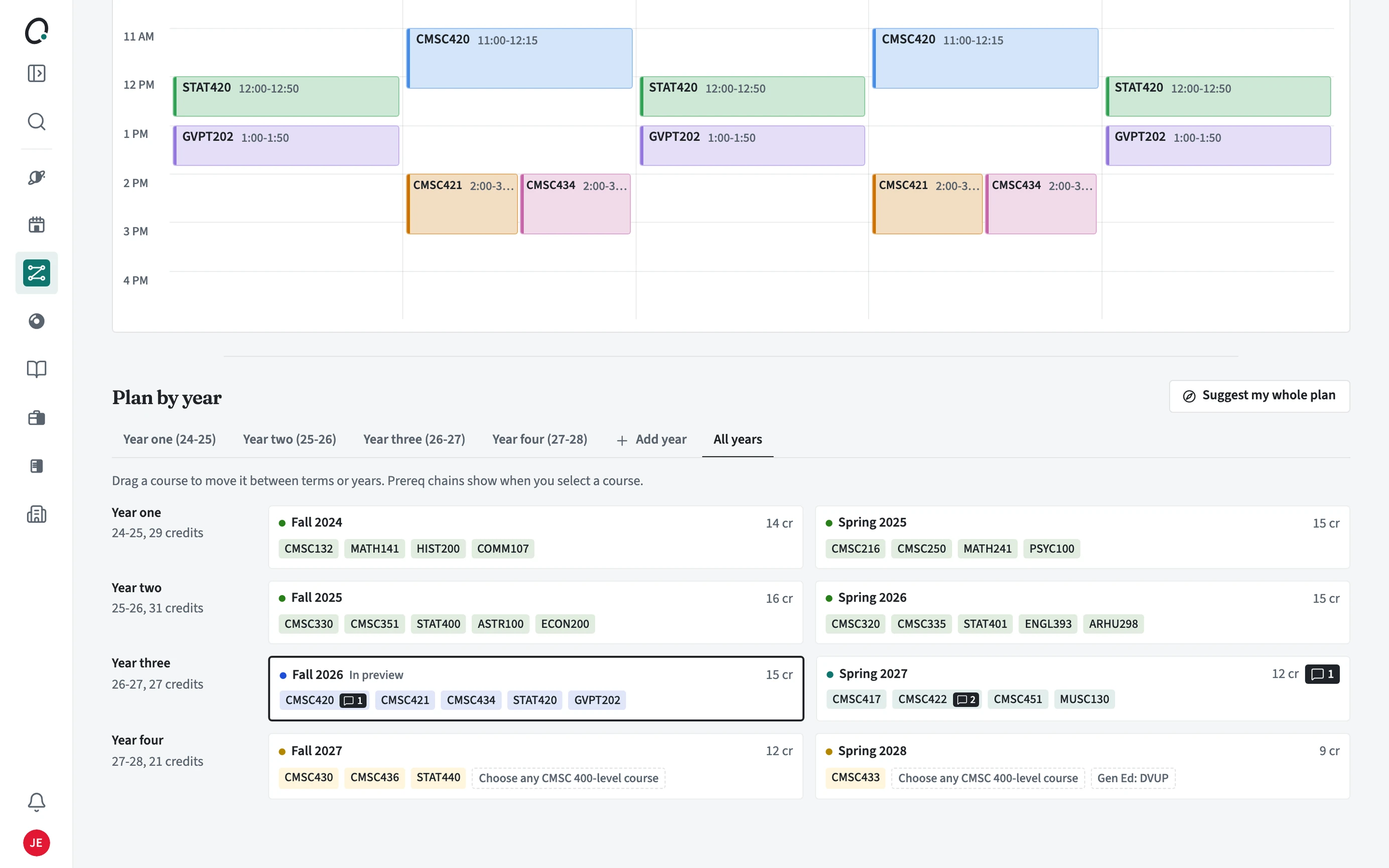
How does Suggest my whole plan work?
It keeps every course you already planned and fills the open terms around them, in prerequisite order, with courses that close your open requirements. You can undo it right after.
- Open Plan and choose Suggest my whole plan.
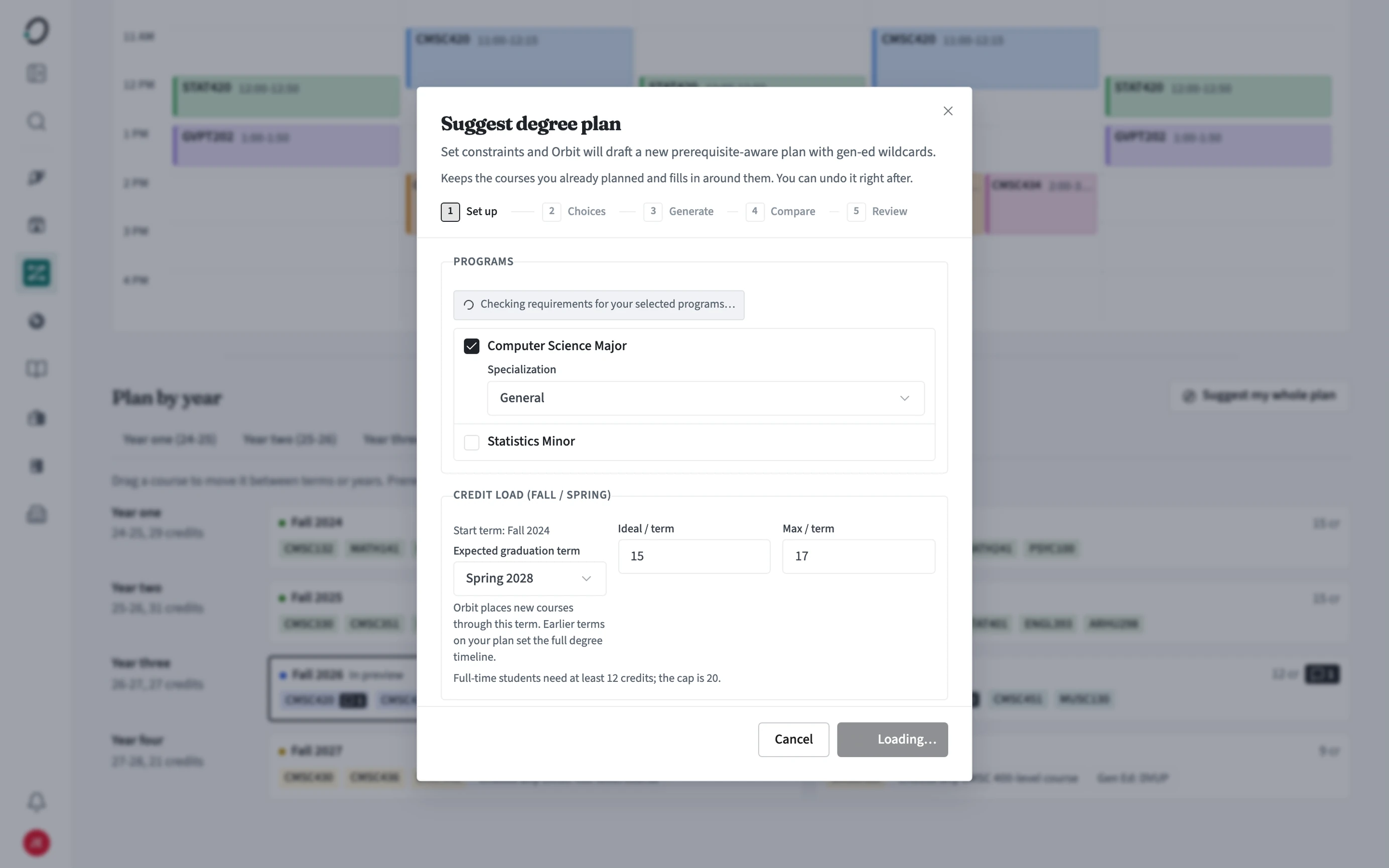
- Set up: confirm your programs and the terms to fill.
- Choices: set your credit load and other preferences.
- Generate, then Compare the options side by side.
- Review the plan and apply it.
Why do some terms show a general education slot instead of a course?
When many courses can fill a requirement, Orbit places a slot (for example a Humanities slot) so you can pick the one you want. Open the slot to see courses that fill it.
Can I fill just one term?
Yes. On the year plan, Fill next gaps fills only the next term, and each open slot can be filled on its own.