My Calendar
Your real week: classes from your main schedule, plus your own blocks and deadlines.
How is My Calendar different from the schedule builder?
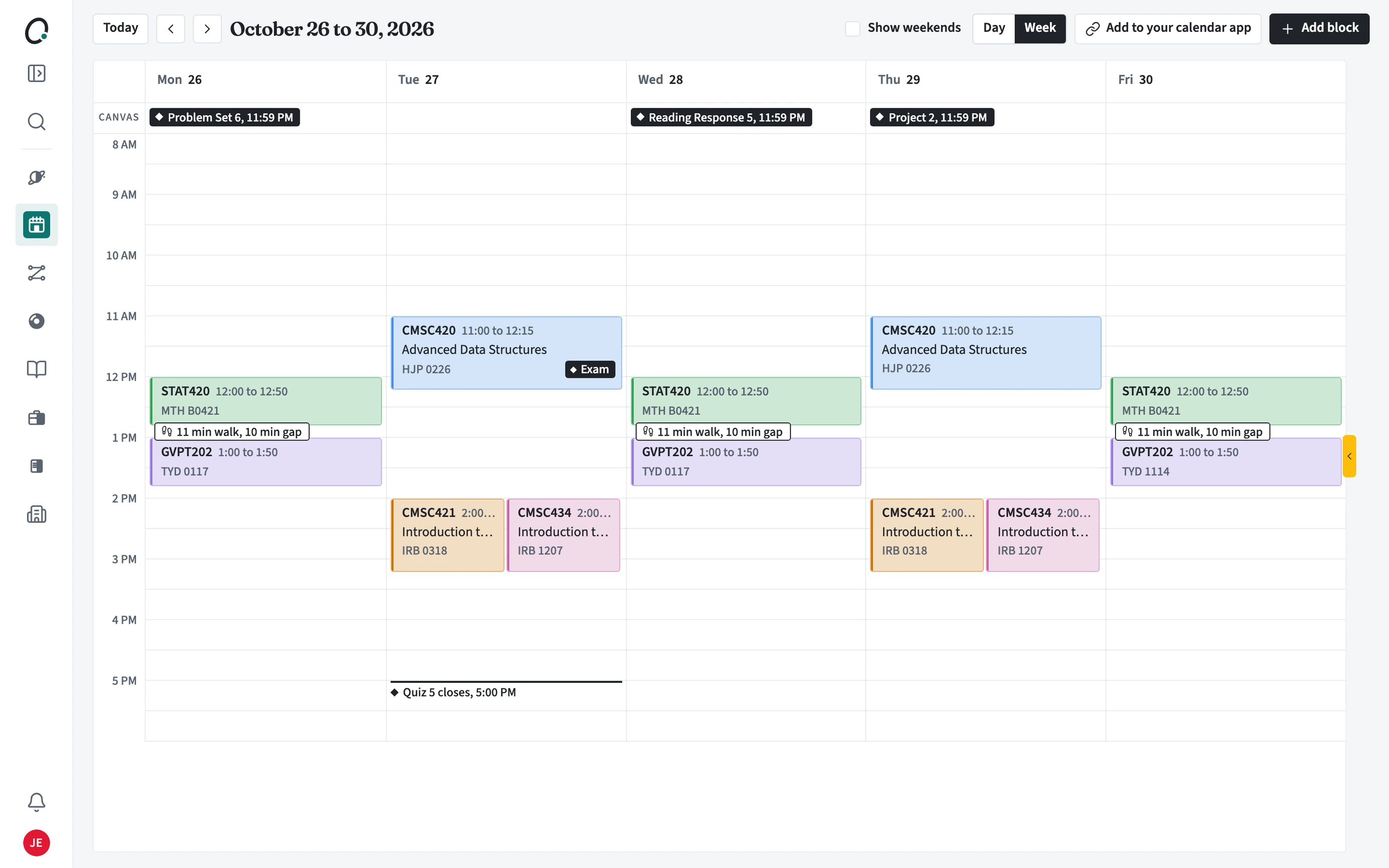
My Calendar shows the week you are actually living: the classes on your main schedule with rooms, plus your own blocks and course deadlines. The schedule builder is where you choose sections for a term. Change sections there and My Calendar follows.
What can I do on My Calendar?
Switch between Day and Week, jump back to Today, and show weekends. Tight walks between back-to-back classes are marked with the gap and the walking time.
- Open My Calendar from the sidebar.
- Use Day or Week, and Today to come back to this week.
- Choose Add block for work, practice, or anything else that takes your time.
- Choose Add to your calendar app to put your classes in the calendar app you already use.