Look up a course
Search the catalog, see which courses fill your requirements, and open any course's page.
How do I find a course?
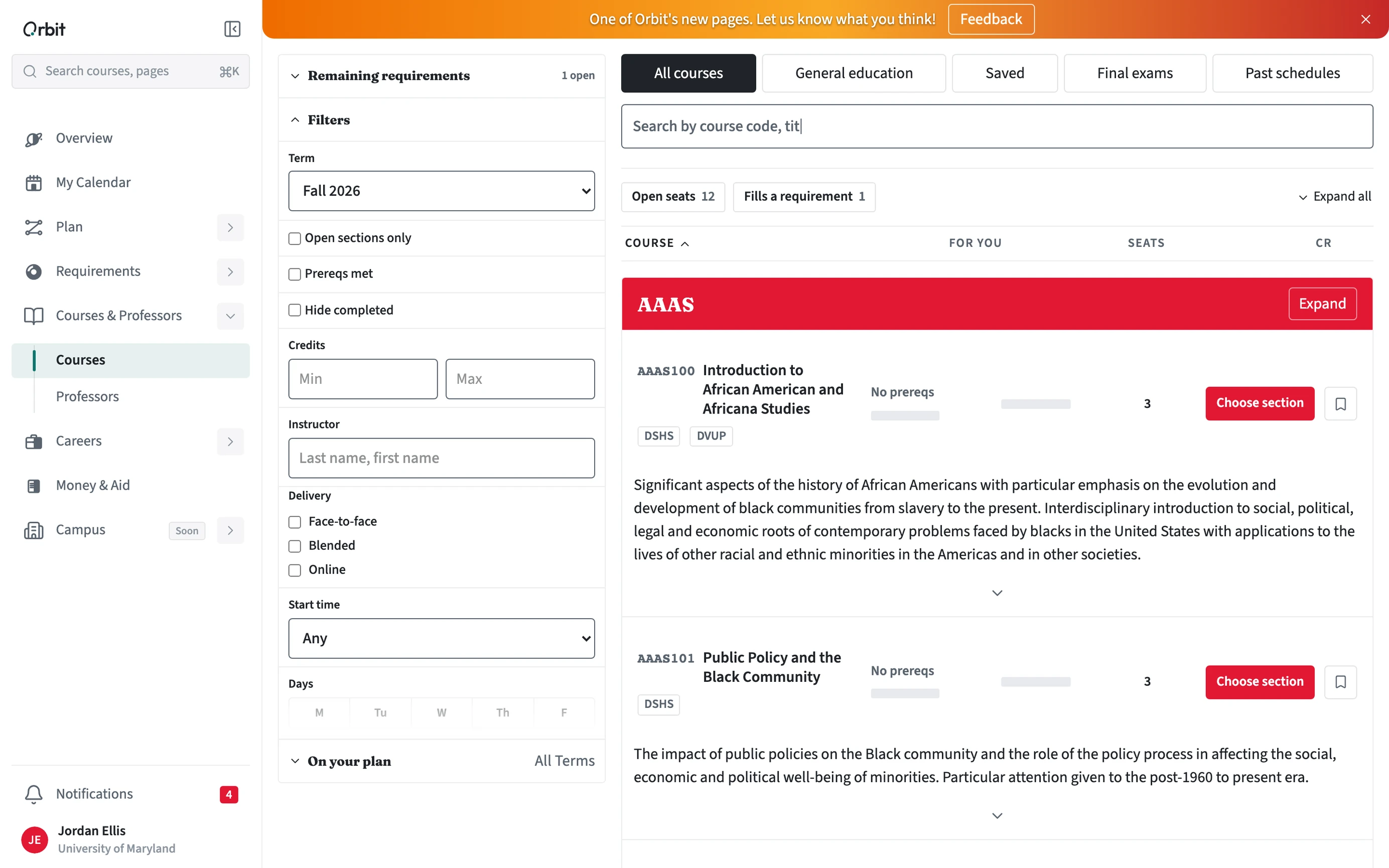
Open Courses & Professors in the sidebar. Course Lookup searches by course code, title, or instructor, and marks the courses that fill one of your requirements.
- Open Courses & Professors, then Courses.
- Search, or pick a list: On your plan, All courses, General education, Saved, Final exams, or Past schedules.
- Narrow with filters for term, open sections, prerequisites met, credits, delivery, days, and start time.
- Choose a course to open its page, or Choose section to add it to a schedule.
What is on a course page?
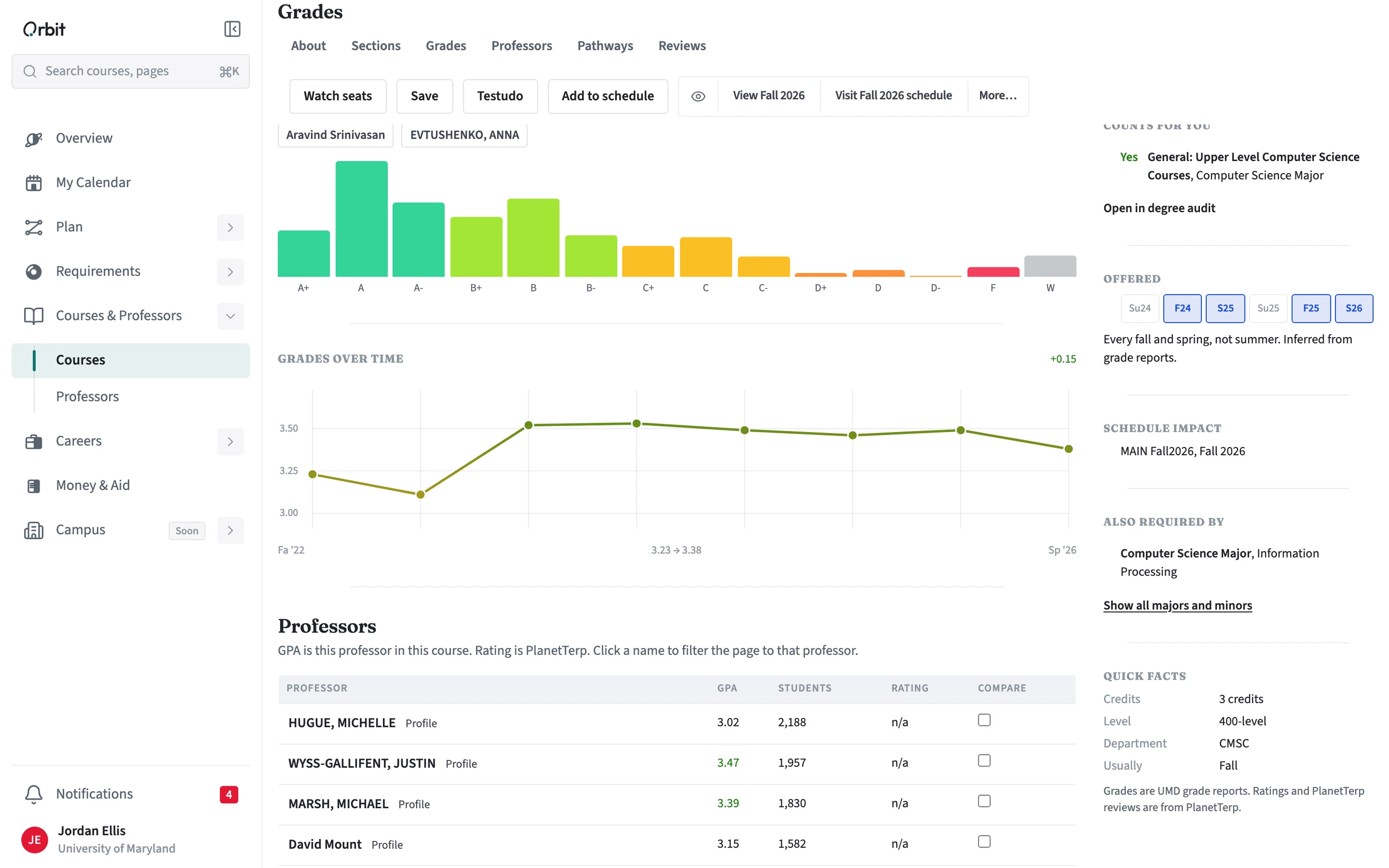
Average grade, open seats, what the course counts for in your programs, and your status with it. Tabs cover About (description and prerequisites), Sections, Grades by instructor, Professors, Pathways, and Reviews. Use Add to schedule to place it, Save to keep it, or Watch seats to get an alert when a seat opens.