Prerequisite pathways
See what a course needs first and what it unlocks next.
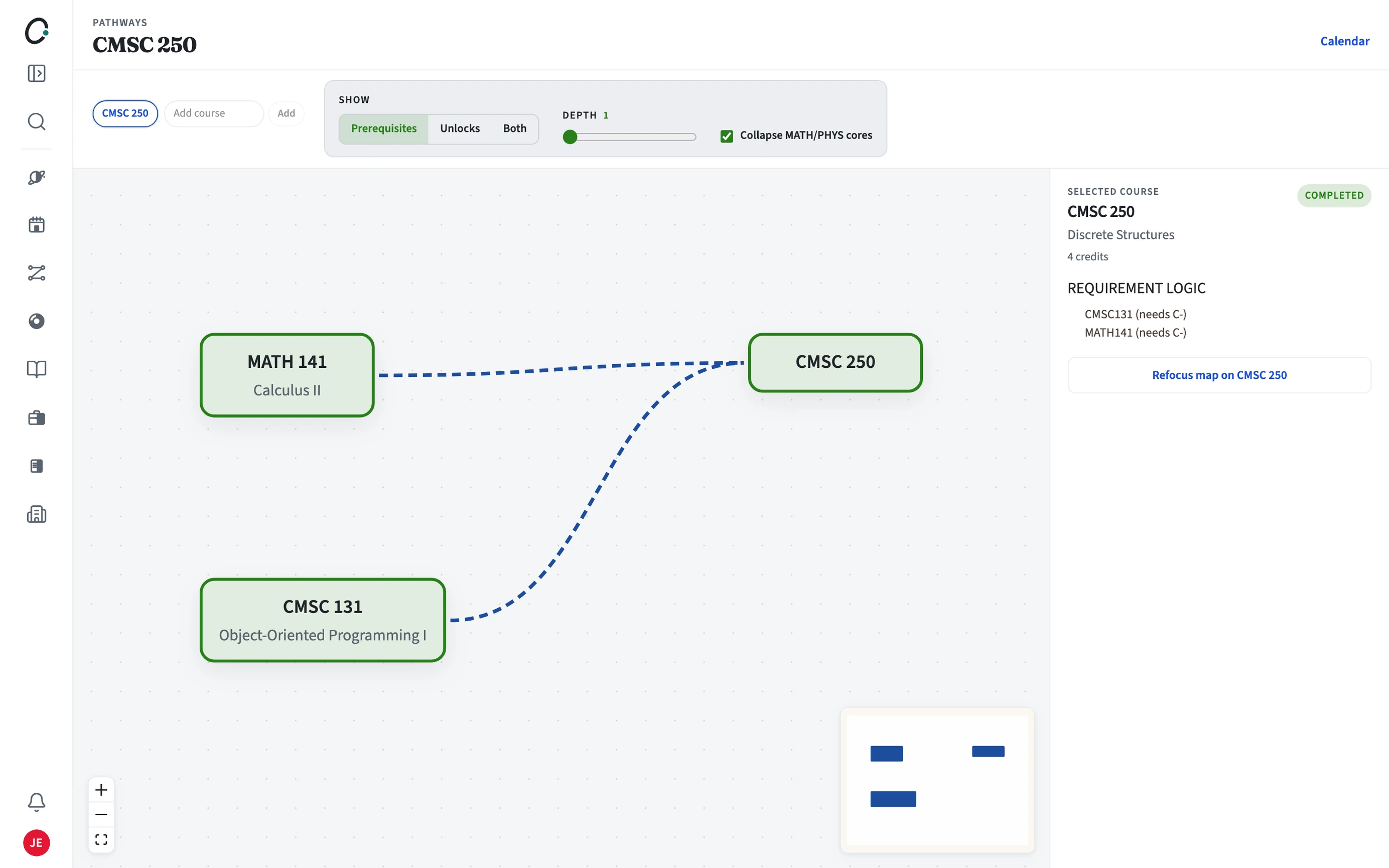
How do I open a course's pathway?
Open the Pathways tab on any course page, or go to Pathways and enter a course code. The map puts the course in the middle, with prerequisites before it and the courses it unlocks after it.
- Open a course page and choose Pathways, or enter a code on the Pathways page.
- Raise the depth to see two or more steps out.
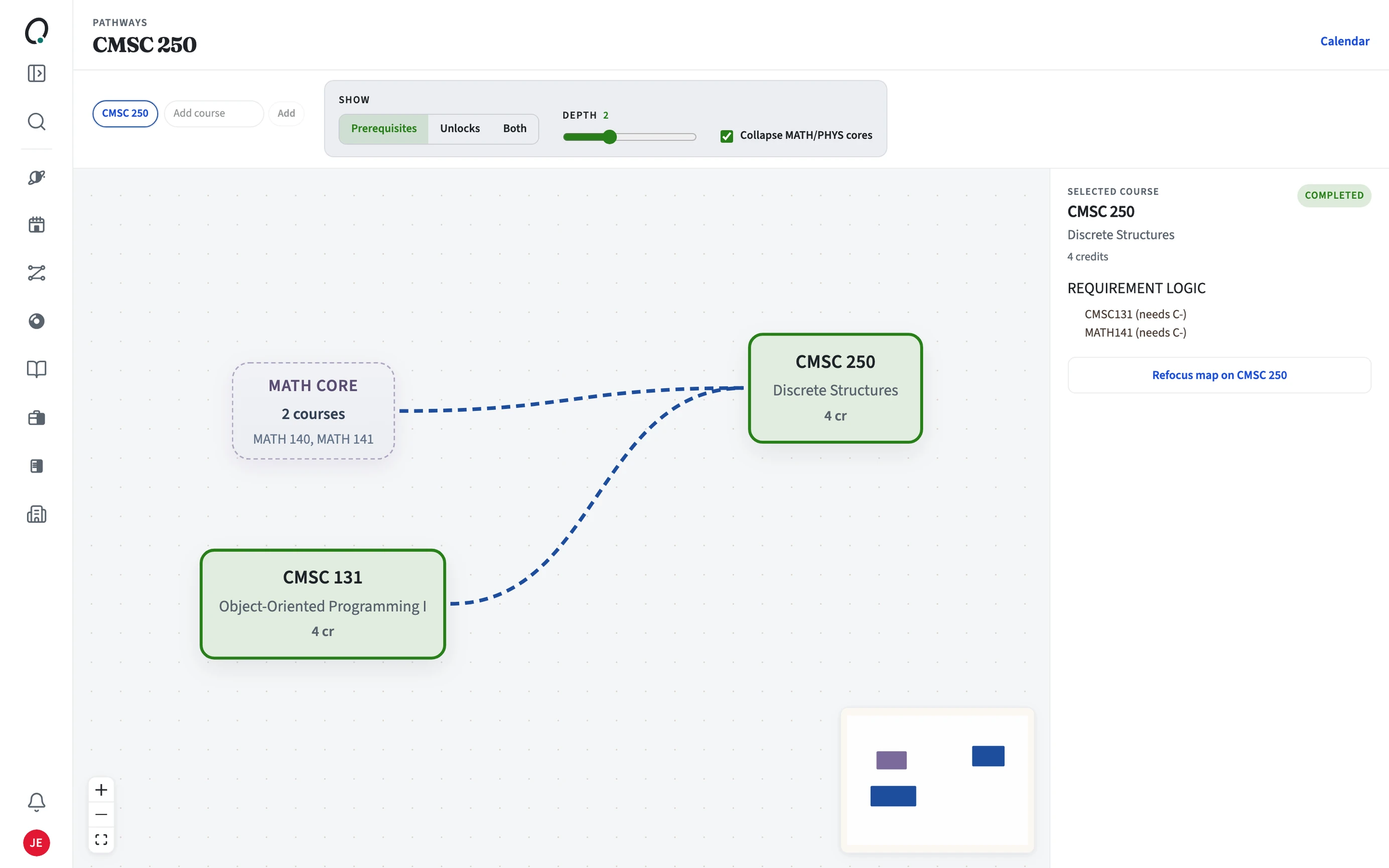
How does it help me plan?
Before you place a course in a term, check that its prerequisites come in earlier terms of your plan. The map makes a missing step easy to spot before you register.