Requirements look wrong
Fix missing credits, the wrong program, or a course that is not counting.
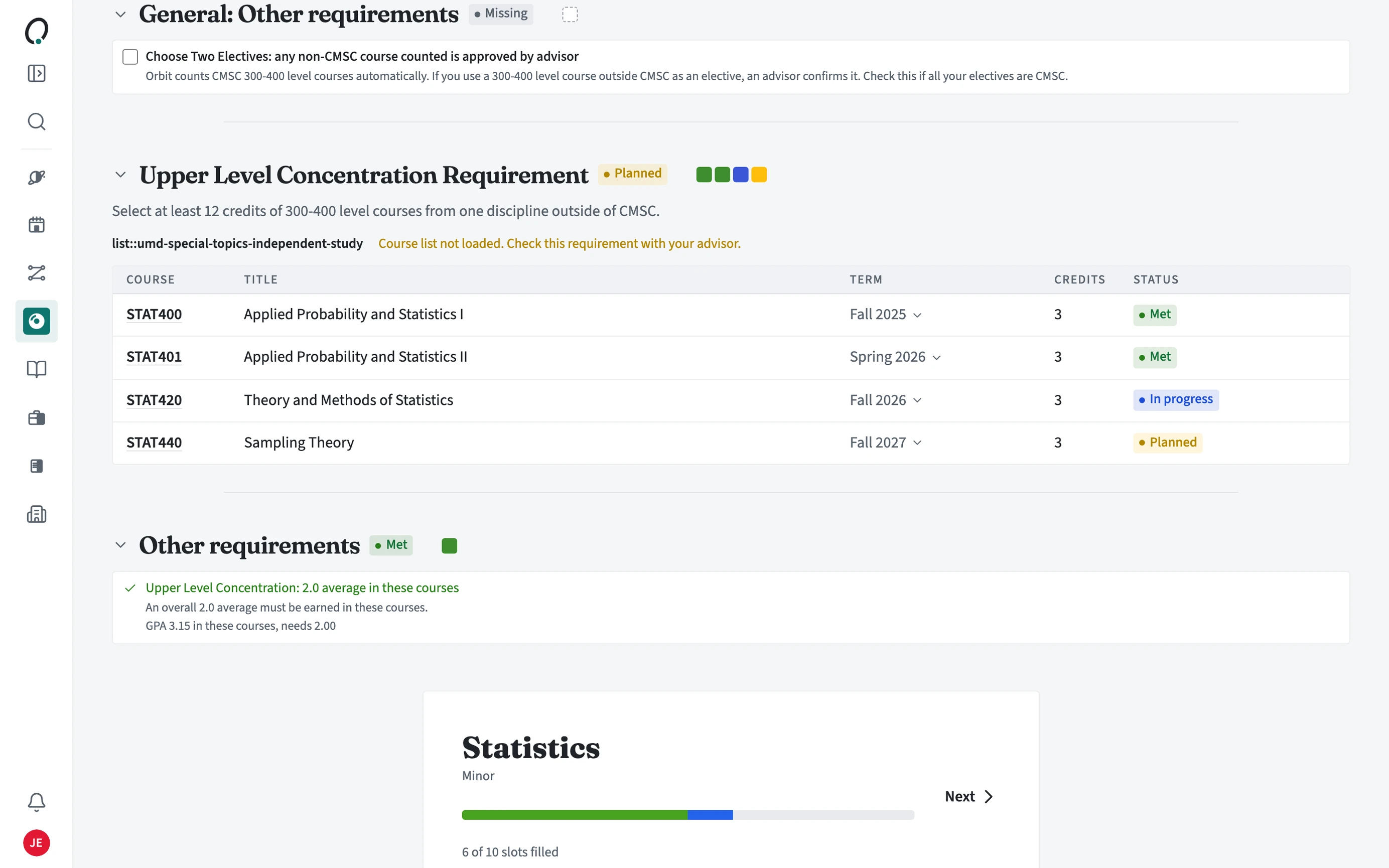
Why is a course not counting?
Requirements counts completed courses, prior credit, each term's main schedule, and your plan for future terms. If a course sits only in a draft schedule, or in no term at all, it does not count yet.
Troubleshooting
A course I am taking does not show in Requirements
It is in a draft schedule, not the term's main schedule.
Open the schedule builder for that term, open Saved schedules, and choose the star on the right schedule to make it the main one.
Completed courses or AP credit are missing
Your transcript or prior credit was not imported, or is out of date.
Open Requirements > Transfer credit and use Import transcript or Add credit, then check the Major tab again.
The wrong major or minor shows
Your programs do not match what you declared.
Use Edit degrees on Requirements (or Settings > Degree & programs) to add or remove programs.
A requirement says Check with advisor
Orbit cannot confirm it from your course record.
Ask your advisor. Once they record it as met, it shows as Met.